Creator Camp
Everything it takes to run your first event — from signing up to announcing the winner.

For creators
2 min read
Getting started
Create your account
Sign in with an emailed link. No password, no setup wizard — you land straight on your dashboard.
Read chapter
For creators
3 min read
Getting started
Decide what your first event is
Answer four questions before you build anything. It takes five minutes and prevents most rule arguments.
Read chapter
For creators
4 min read
Build
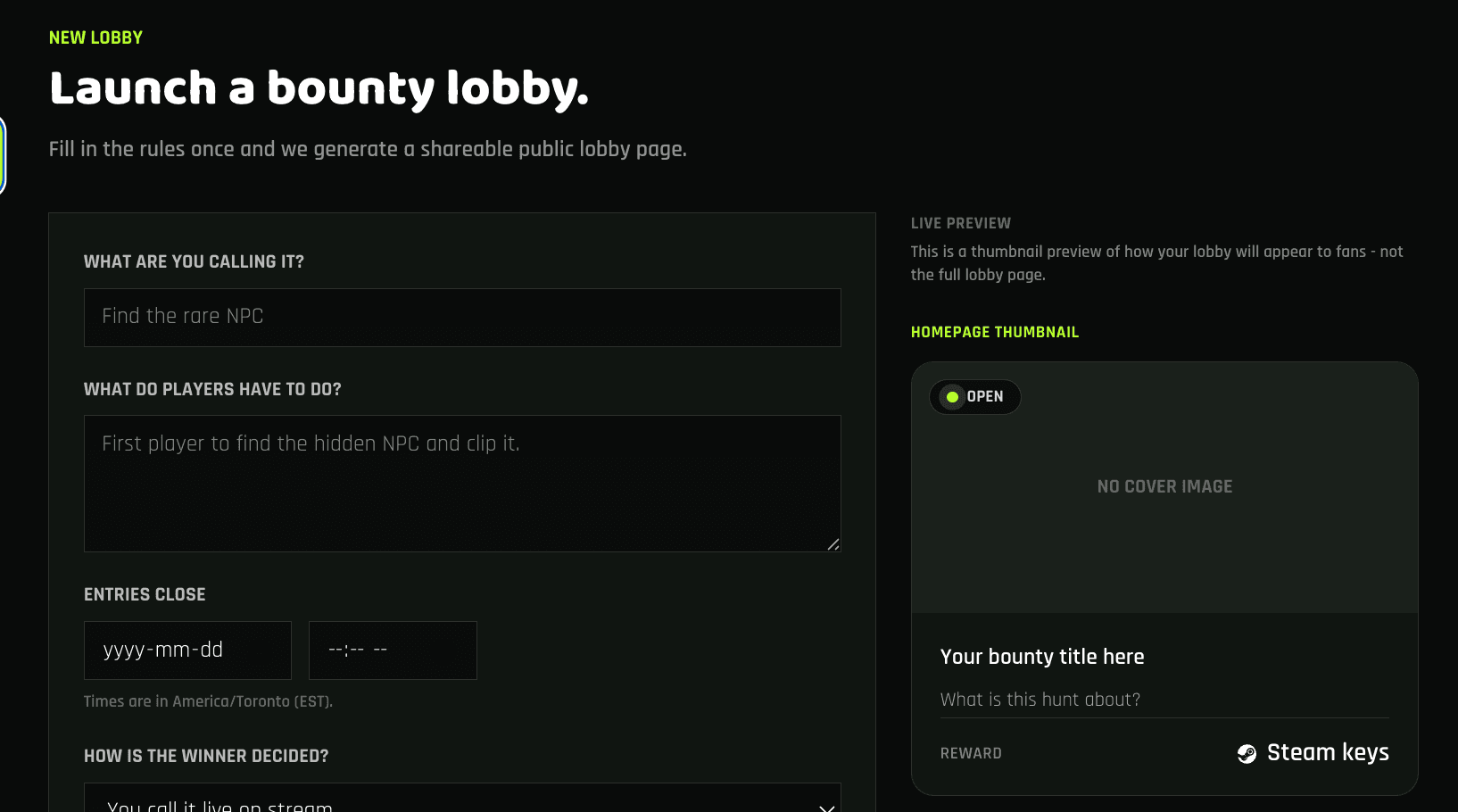
Build the event page
Fill the lobby form, save a private draft, preview it exactly as players will see it, then publish.
Read chapter
For creators
2 min read
Build
Choose how it is funded
No prize, a prize you provide, or a fan-funded cash pool. You pick per event, not once for your account.
Read chapter
For creators
2 min read
Build
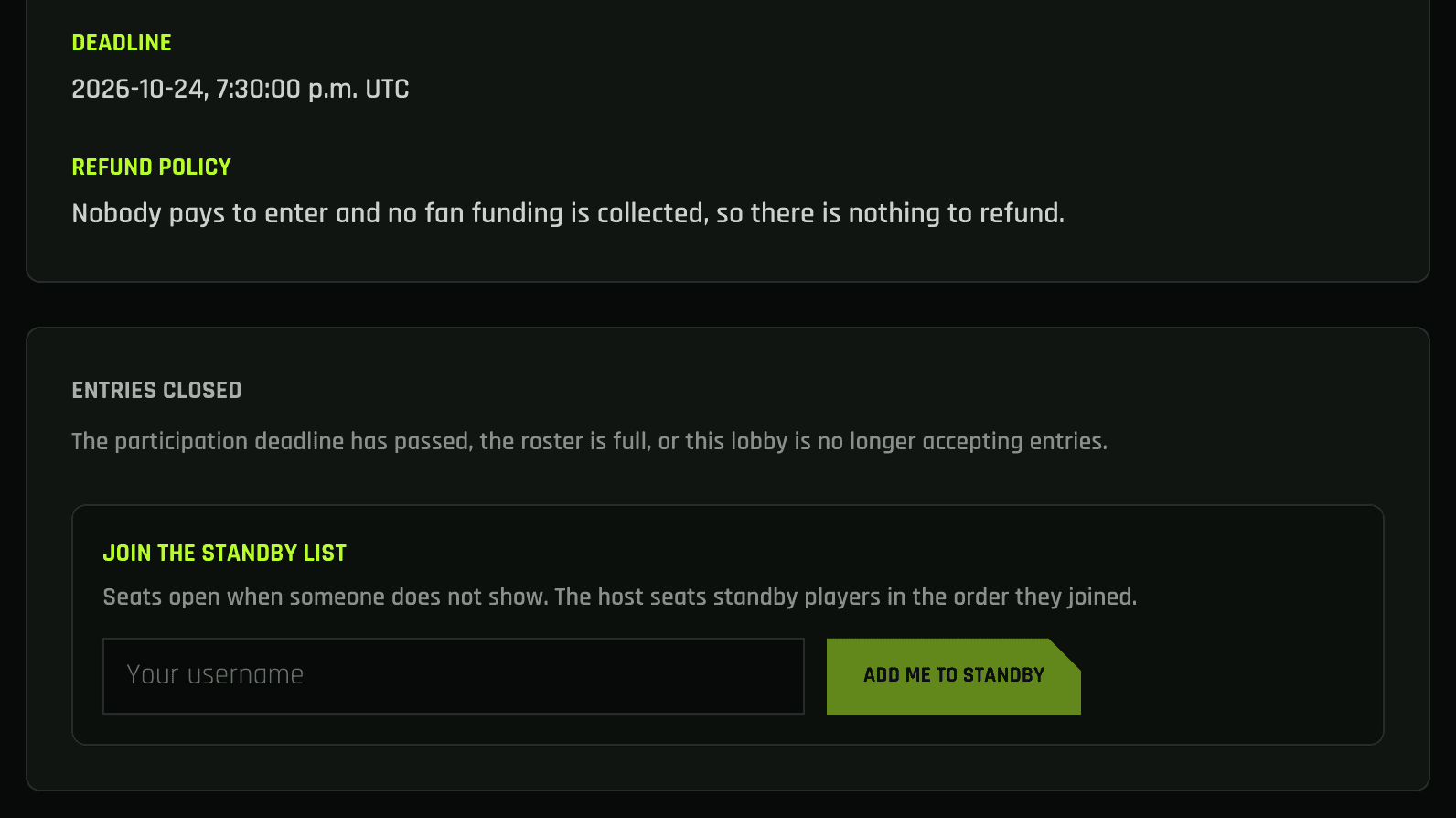
Know what the clock means
Entries close is the participation cutoff — not the start of your stream. Here is each state.
Read chapter

For creators
2 min read
Build
Share the right link
Two public links do two different jobs. Sending the wrong one is the most common setup mistake.
Read chapter
For creators
2 min read
Promote
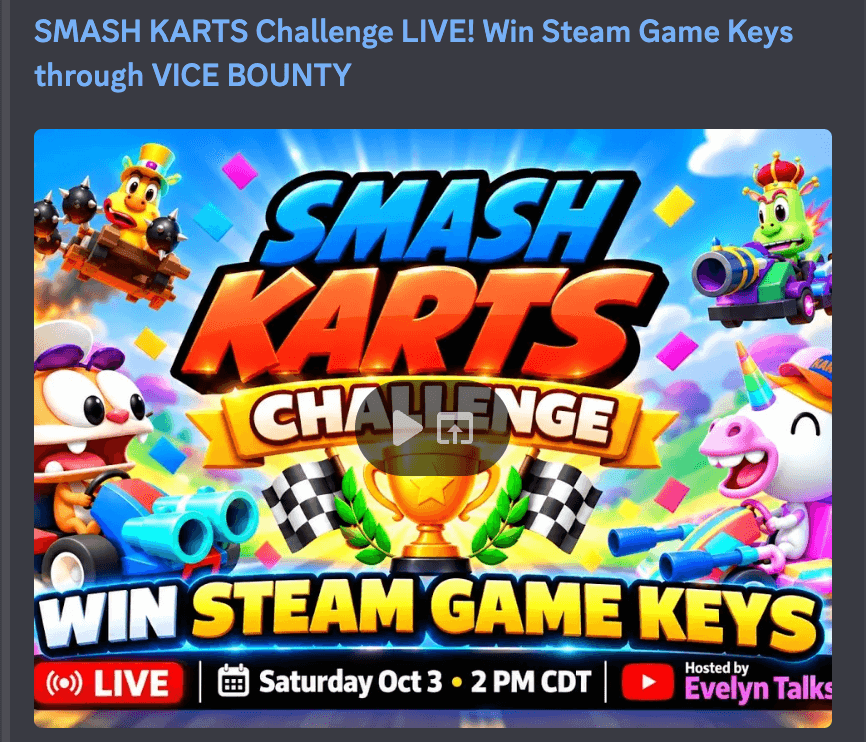
Promote it where it converts
One honest post in the right community beats blasting the link everywhere. Here is what actually works.
Read chapter
For creators
2 min read
Moderation
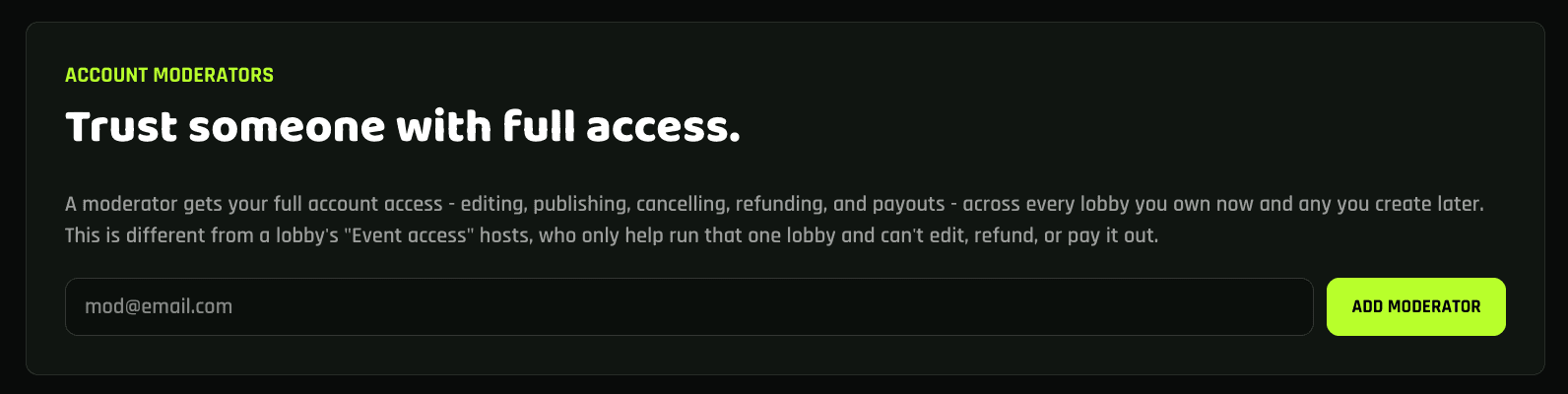
Invite your moderators
Two access levels, and they are very different. Pick the narrow one unless you really mean it.
Read chapter
For moderators
6 min read
Moderation
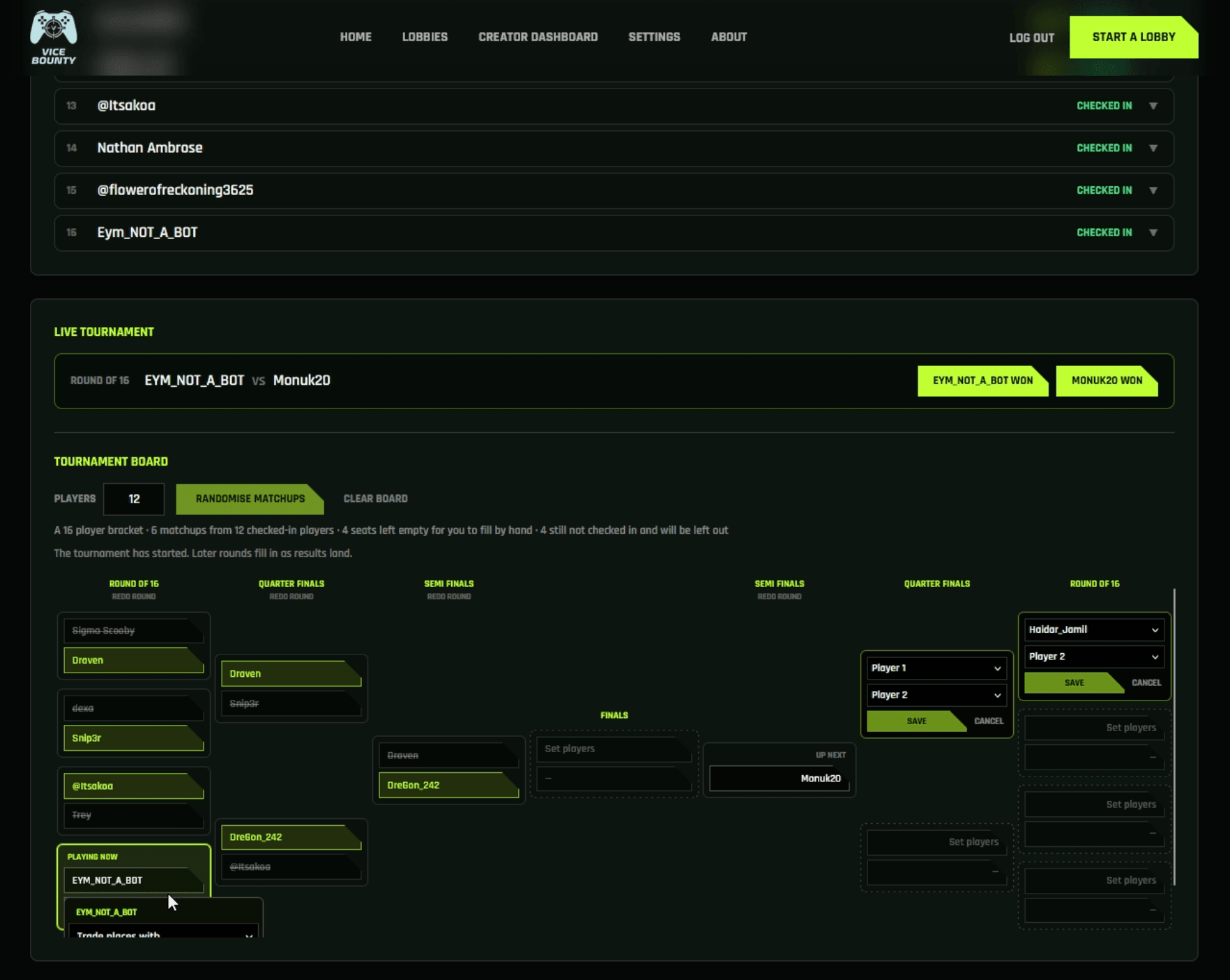
How moderators run the event
The full moderator walkthrough: check players in, enter scores, and push results to the public standings board.
Read chapter
For creators
3 min read
Event day
Go live and host
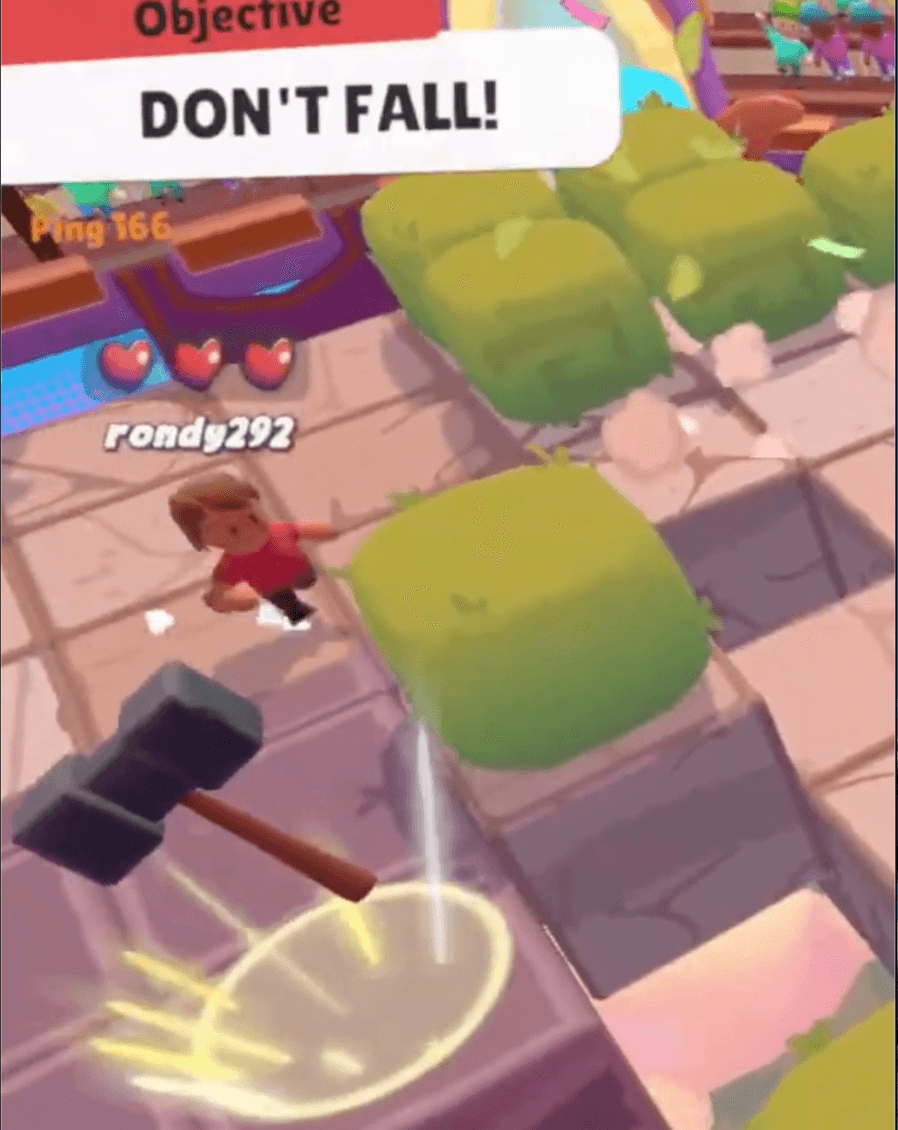
Vice Bounty does not broadcast anything. You stream as usual and run the event in a second tab.
Read chapter

For creators
2 min read
Event day
Add the stream overlay (OBS, optional)
Skip this unless you use OBS. A transparent widget that shows status, prize and countdown on stream.
Read chapter
For creators
3 min read
Results
Review proof submissions
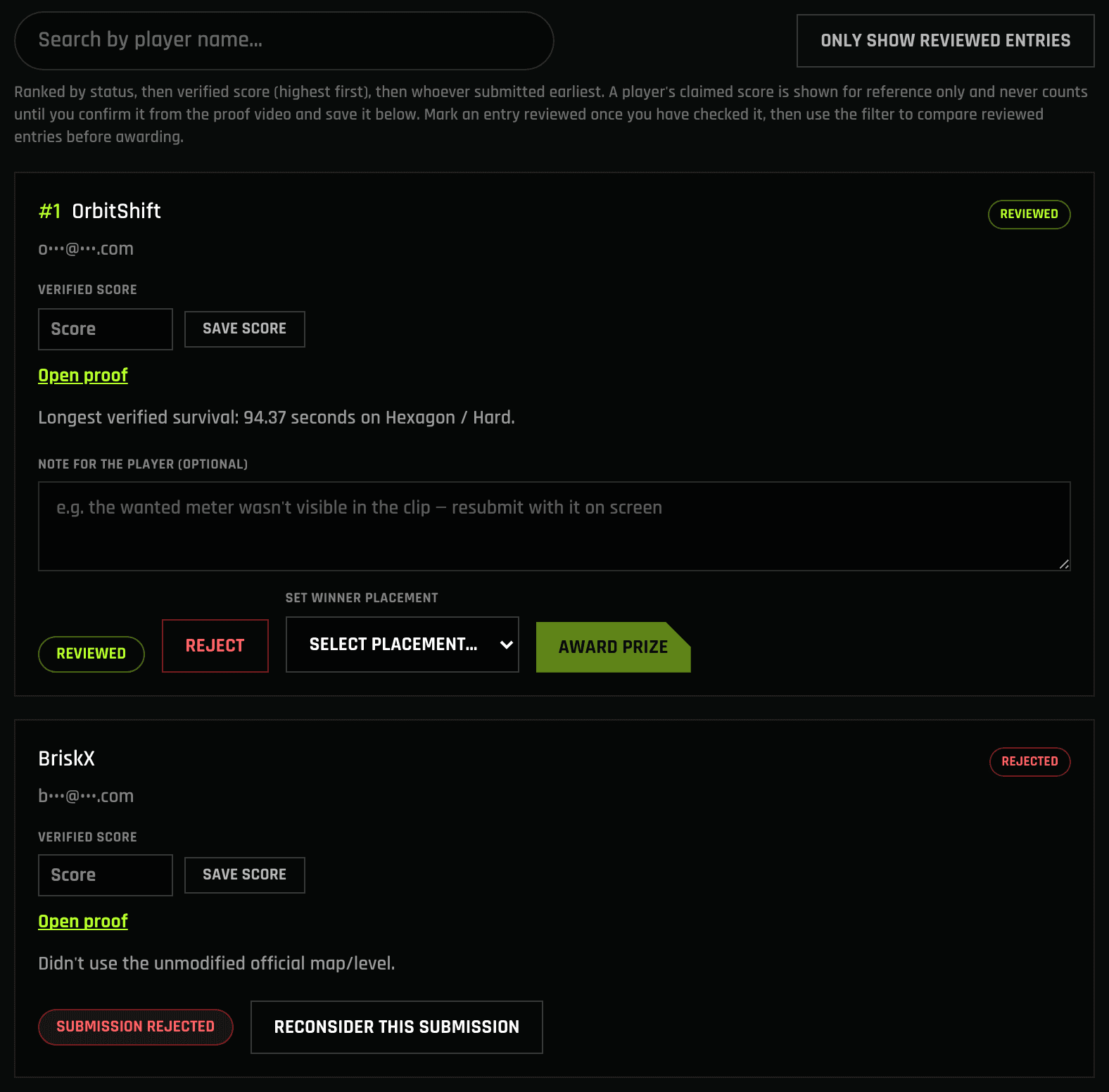
For proof challenges: work the queue, verify the real score, and keep the claimed score in its place.
Read chapter

For creators
3 min read
Results
Pick the winner and pay out
Awarding a placement is final. Cash settles through Stripe Connect; keys and gift cards you send yourself.
Read chapter
For creators
2 min read
Grow
Run it again next week
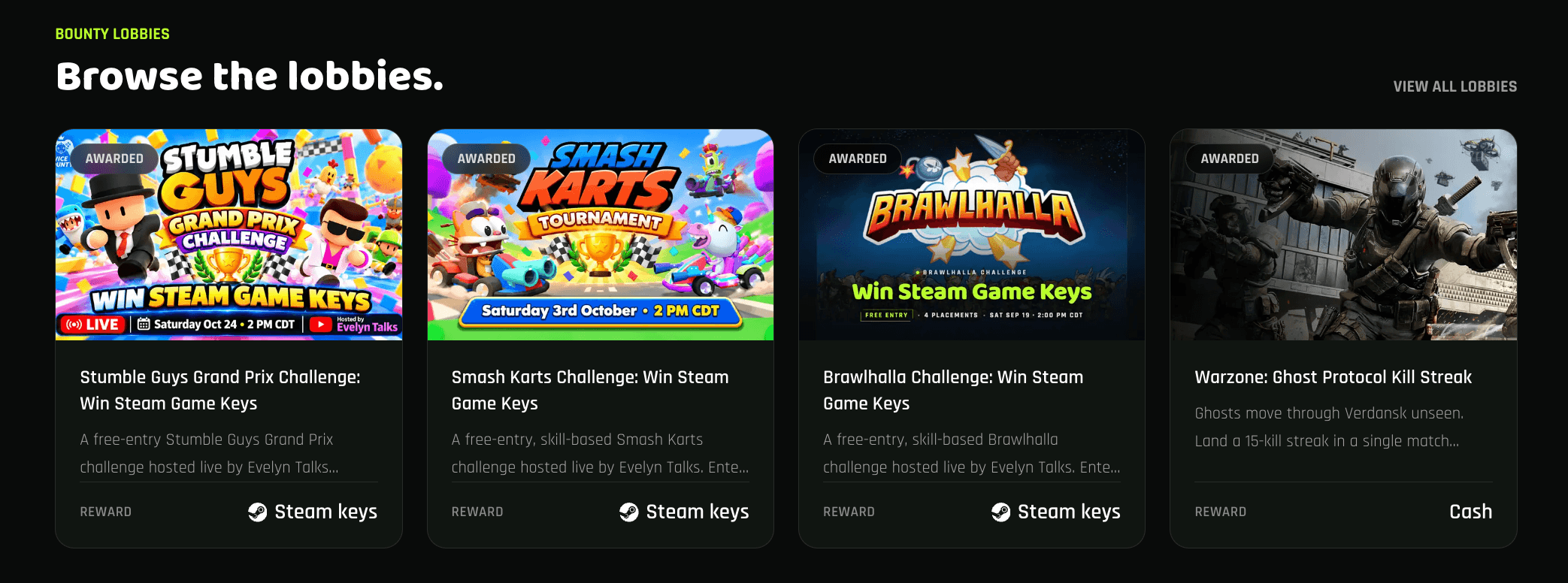
The second event is what turns a one-off into something your community schedules around.
Read chapter
Ready to create your event?
Sign in with a passkey, or continue with email.