
This is the proof-challenge path. After the deadline you get a queue of submissions instead of a live roster.
Where to find the queue
- 01
Open your dashboard
On the lobby card, choose Review proofs. The button reads Manage until the first proof arrives.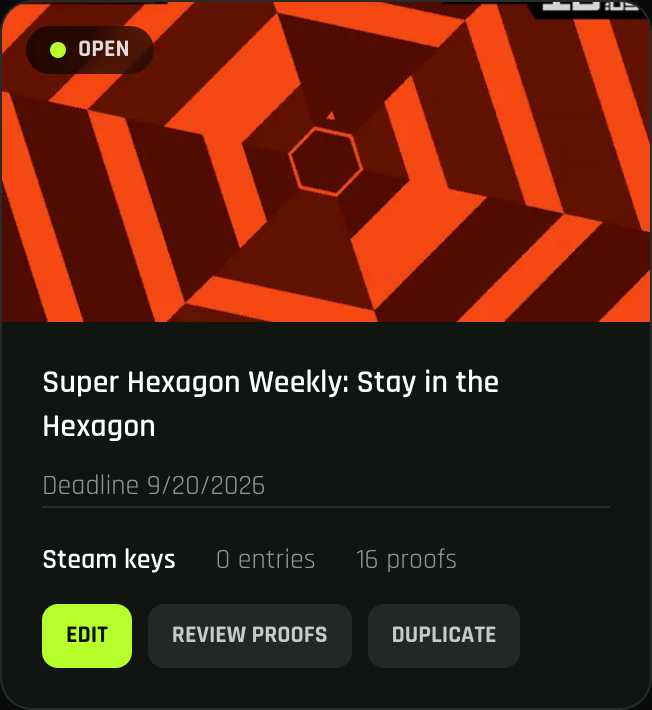
Each lobby card has Edit, Review proofs (Manage until the first proof arrives) and Duplicate. - 02
Open each proof
Choose Open proof to watch the clip. Players send a screen recording as a link, usually WeTransfer, Google Drive, Dropbox or YouTube. Free WeTransfer links expire after three days, so review or download them promptly.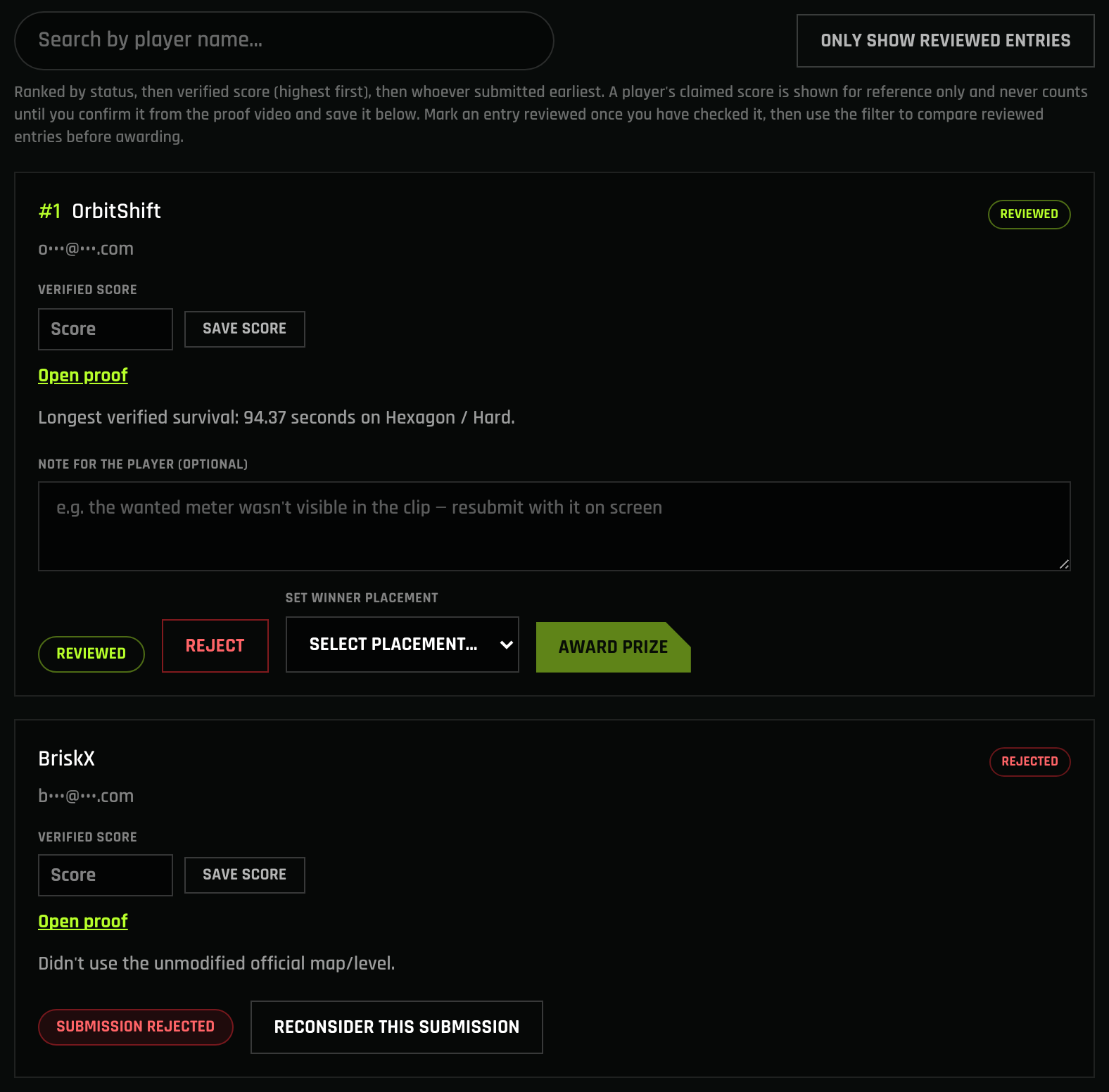
Proof submissions: search, filter, claimed score, verified score and Open proof. - 03
Save the verified score, then decide
Type the score you saw in the clip and save it, then choose Mark reviewed, Reject or Award.
Claimed score versus verified score
Players can tell you what they think they scored. That is the claimed score, and it never counts for anything on its own.
When you watch the proof, you enter the verified score. That is the only number that ranks anyone. There is nothing to gain by exaggerating a claim.
Three decisions per submission
- Mark reviewed — you watched the clip and checked the score. It moves out of Pending review and stays in the running.
- Reject — does not meet the published rules. Add a note explaining why.
- Award — this is the winner at the placement you choose.