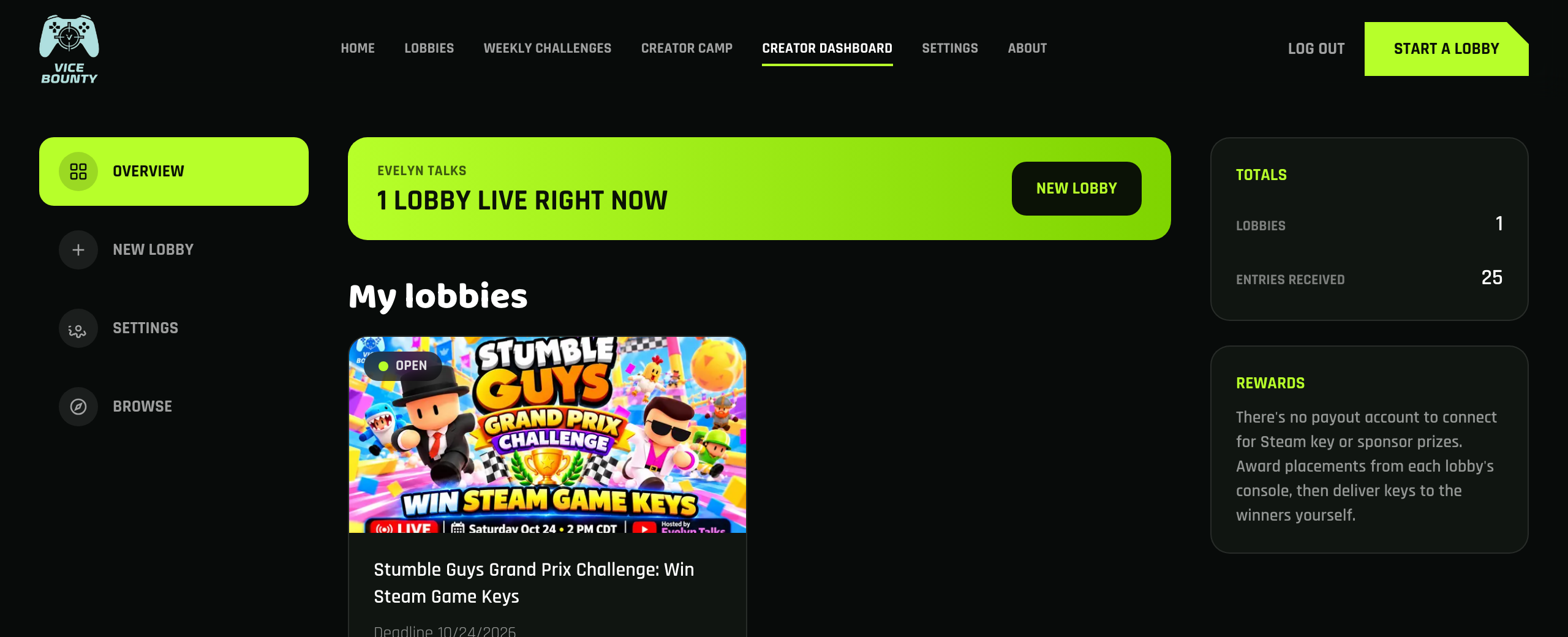
From the dashboard, choose + New lobby. The form is one page. Nothing is public until you publish.
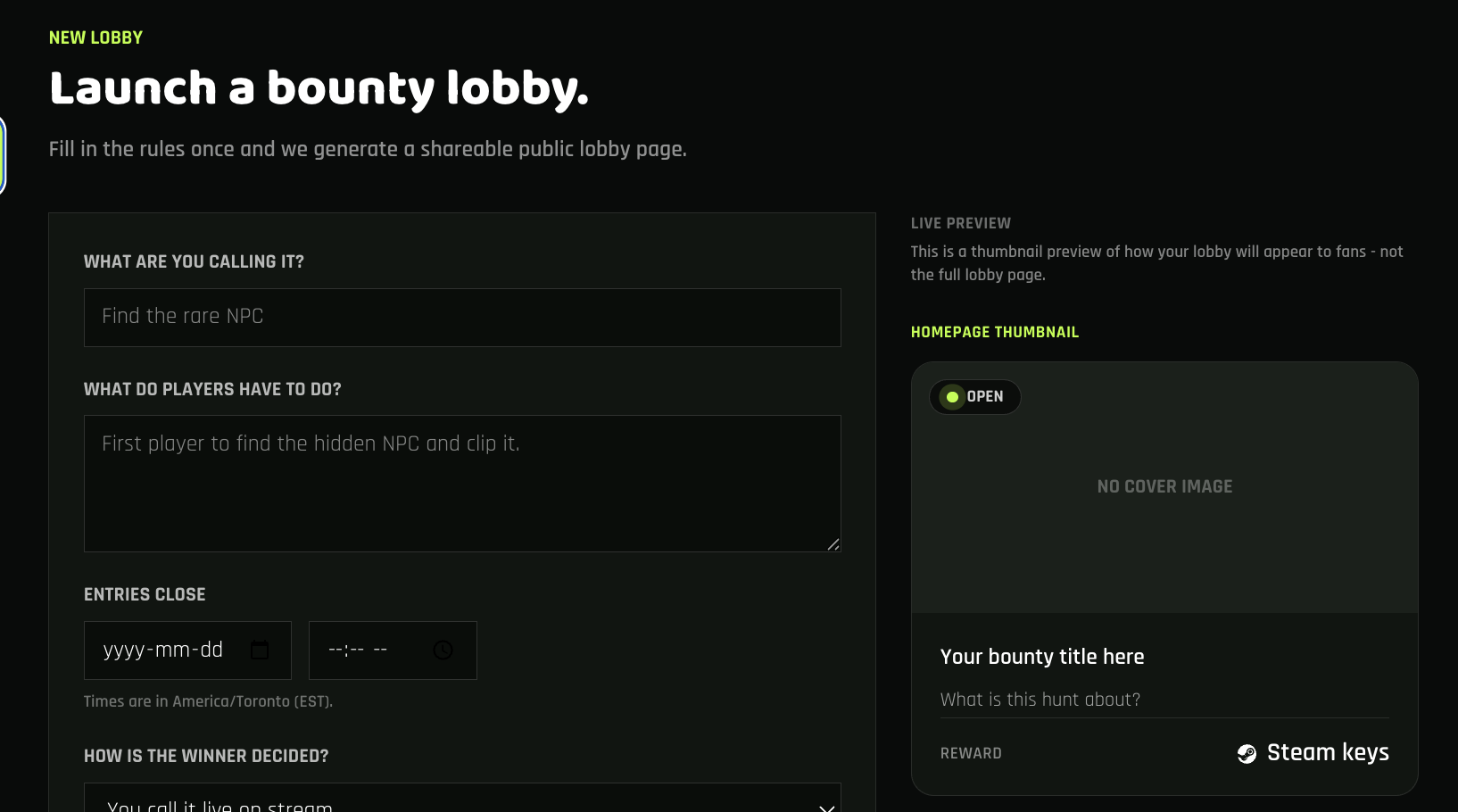
The fields that matter most
- What do players have to do — this is your rulebook. Write the objective, what counts, and what does not.
- How is the winner decided? — You call it live on stream or Players send proof after. This decides whether you get a roster and a host console, or a submissions queue.
- Entries close — the moment new participation stops. See the next chapters for what else can close entries early.
- Participant limit — how many players you can actually run. It is optional for live events: leave it blank for unlimited, or set a number and regular seats close when the roster is full. Pick a size you can run in one session.
Draft, preview, publish
- 01
Save Draft
This creates a private draft. Only you and people you have given access can open it. - 02
Read it as a player would
The preview is the real public page. If a rule is unclear here, it will be unclear on stream. - 03
Publish
Clear anything listed under Still needed, then choose Publish. Publishing opens participation immediately.