Moderation

Invite your moderators

Two access levels, and they are very different. Pick the narrow one unless you really mean it.

For Creators·2 min read

Do this before event day, not during it. There are two levels of access.

Event access — for one event

Invite someone as a host or moderator on a single lobby. They can run that event: check-ins, roster, scores and placements. They cannot edit the lobby, manage access, or touch payouts.

You will find this in the Event access panel on that lobby in your dashboard.

Account moderators — for everything

An account moderator can manage every lobby you own, now and in the future, including editing, publishing, cancelling, refunds and payouts. Find it under Settings → Account moderators.
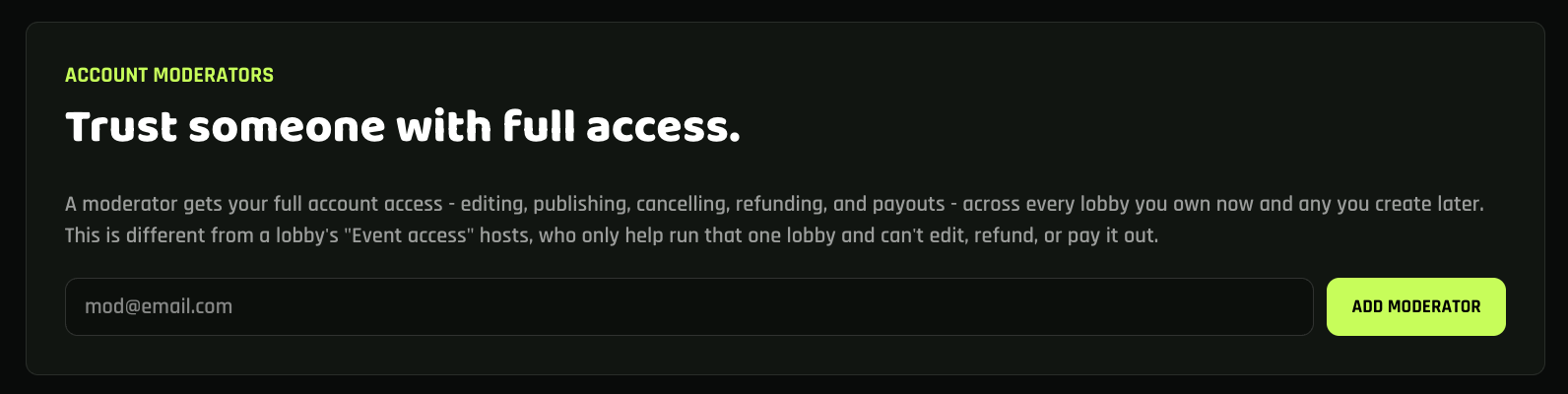
Account moderators section of Settings
Settings → Account moderators. Invite by email; the access is account-wide.

Ready when you are

Create the lobby while this is fresh.

Start a lobby
Vice Bounty first-lobby sponsorship: Steam game prizes for the top two eligible players, subject to availability and review.

For eligible first-time hosts only. Requires 8+ eligible players, available prize stock, and event verification.

Check Eligibility & Start a LobbySponsorship terms (opens in a new tab)